GONE Fishing Controls: Casting, Reeling, and PC Keys
Master GONE Fishing controls for casting, reeling, bait, and inventory management. Learn keyboard inputs, controller options, and how to meet your quota.
Jump to
GONE Fishing controls: The Essential Keyboard and Mouse Inputs
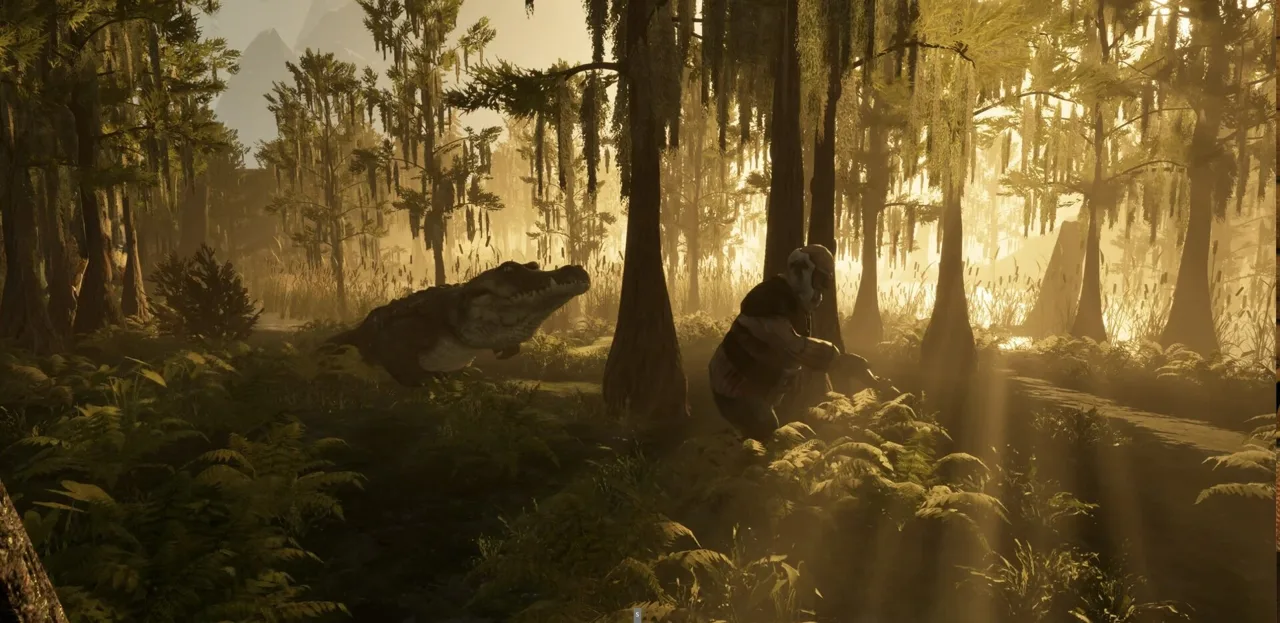
One mistimed click can cost you a fish when the daily quota is still waiting. GONE Fishing controls center on the left mouse button, but casting, setting the hook, and reeling each require different timing. Learn those three actions alongside inventory switching, and GONE Fishing controls become much easier to manage before nightfall.
Your immediate goal is straightforward: catch fish, bring them to the altar, and contribute enough value to satisfy the daily quota. Selling fish serves a separate purpose, giving you gold for purchases. Knowing which item you have selected matters whenever you cast, drop a catch, or interact with equipment.
| Action | Keyboard or mouse input | How to use it |
|---|---|---|
| Move | WASD | Move around the map |
| Sprint | Shift | Sprint while traveling |
| Interact or collect bait | E | Pick up nearby bait or interact with objects |
| Open a merchant’s shop | Hold E | Hold the interaction input while facing the merchant |
| Enter a boat | F | Board a boat |
| Open the inventory or tacklebox | Tab | Access your bait |
| Switch hotbar slots | Mouse wheel | Select your rod, fish, or another carried item |
| Charge and cast | Hold, then release left mouse button | Build casting power before releasing |
| Set the hook | Left mouse button | Click during the strike prompt |
| Reel | Hold left mouse button | Apply reeling input during the fishing minigame |
| Drop the selected carried item | Q | Drop a fish, lantern, or other selected item |
| Use an item | Right mouse button | Activate the selected usable item |
| Open the pause menu | Esc | Access menu options |
Mouse 1, M1, and LMB all mean the left mouse button. Mouse 2 and RMB mean the right mouse button.
Older control layouts used G to drop a fish held in your hand. Use the binding displayed in your game when following an older walkthrough; Q is the drop input used for selected inventory items in the newer gameplay walkthrough.
Before heading far from the cabin, practice selecting your rod, switching to a carried object, and dropping it somewhere easy to retrieve.
Official page: GONE Fishing (gonefishing.gg)
How to Cast, Set the Hook, and Reel In Fish
The fishing sequence has separate stages, even though they share one button. Avoid carrying the same input from one stage into the next.
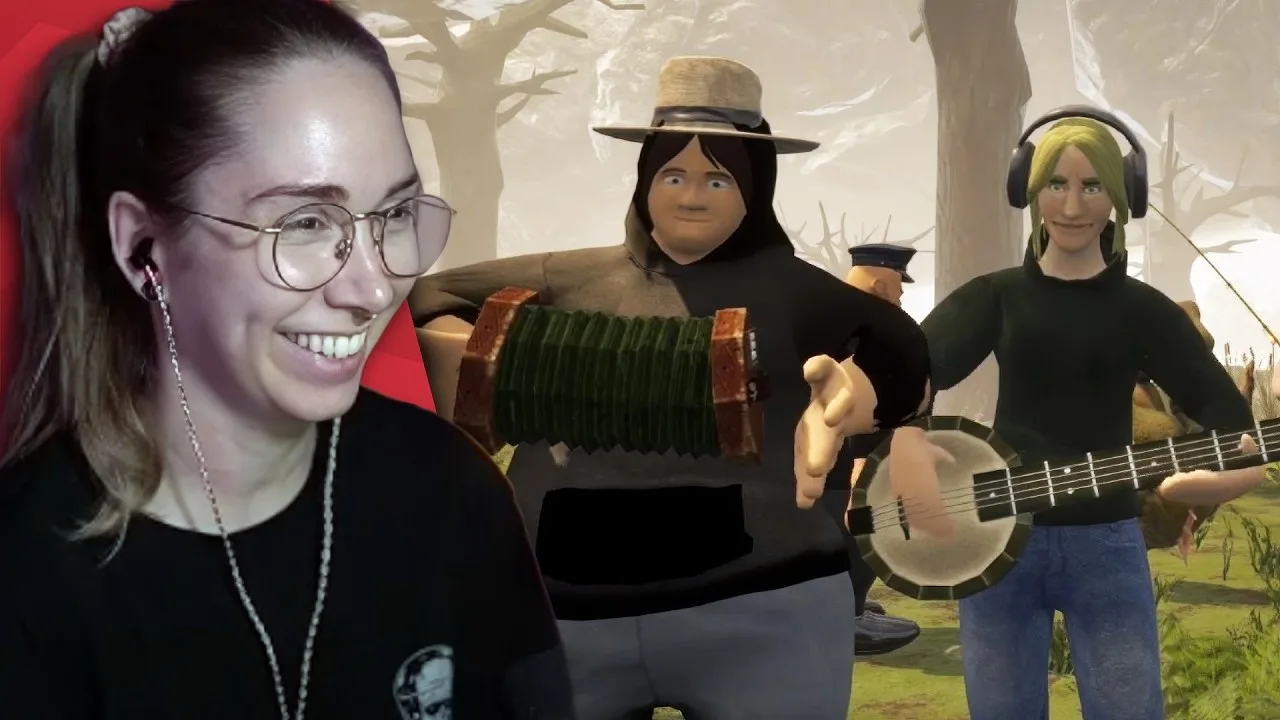
Start with your rod selected and face the water. Hold the left mouse button to build casting power, then release it to send the bobber out. A longer charge lets you cast farther, but maximum distance is not necessary for every fishing spot.
When a fish bites, the strike prompt appears. Click when the moving indicator reaches the green target area. Aim near the center: a better hook set makes the following fight easier.
| Fishing stage | Your input | What to watch |
|---|---|---|
| Prepare | Select your rod and equip bait through Tab | Your selected equipment and bait |
| Cast | Hold and release left mouse button | Casting power and your aim |
| Strike | Click left mouse button | The indicator entering the green target |
| Fight | Alternate holding and releasing left mouse button | The fishing meter’s movement |
| Land the catch | Continue managing the meter | Changes that call for more or less input |
Read the Meter Before Holding the Button
When using GONE Fishing controls, wait for tension to begin dropping before holding the reel button after setting the hook.
Let the meter show you what the fish is doing. When the indicator is already climbing toward the top without your input, release the button. When it starts falling, hold the left mouse button to bring it back up.
The older tension tutorial describes waiting roughly 2–5 seconds after hooking a fish before reeling, until tension begins dropping. Use the meter’s movement as your cue rather than counting through every catch.
During the fight:
- Release the button when the meter is rising too high.
- Hold it when the meter drops.
- Keep adjusting instead of holding continuously.
- Focus on the fishing interface until the catch is landed.
Think of reeling as an ongoing correction. Pressing harder or clicking faster does not replace watching the meter.
Practice With Short Casts
Start near shore and use short casts while learning the strike timing. This keeps your attention on the two skills that matter immediately: clicking inside the green target and controlling the fight afterward.
Once that rhythm feels comfortable, experiment with stronger casts and different water depths. Change one part of the routine at a time so you can recognize whether a missed catch began with the strike or the reeling stage.
Bait, Inventory, and Item Handling
Getting comfortable with GONE Fishing controls also means understanding the difference between bait selection and hotbar selection.
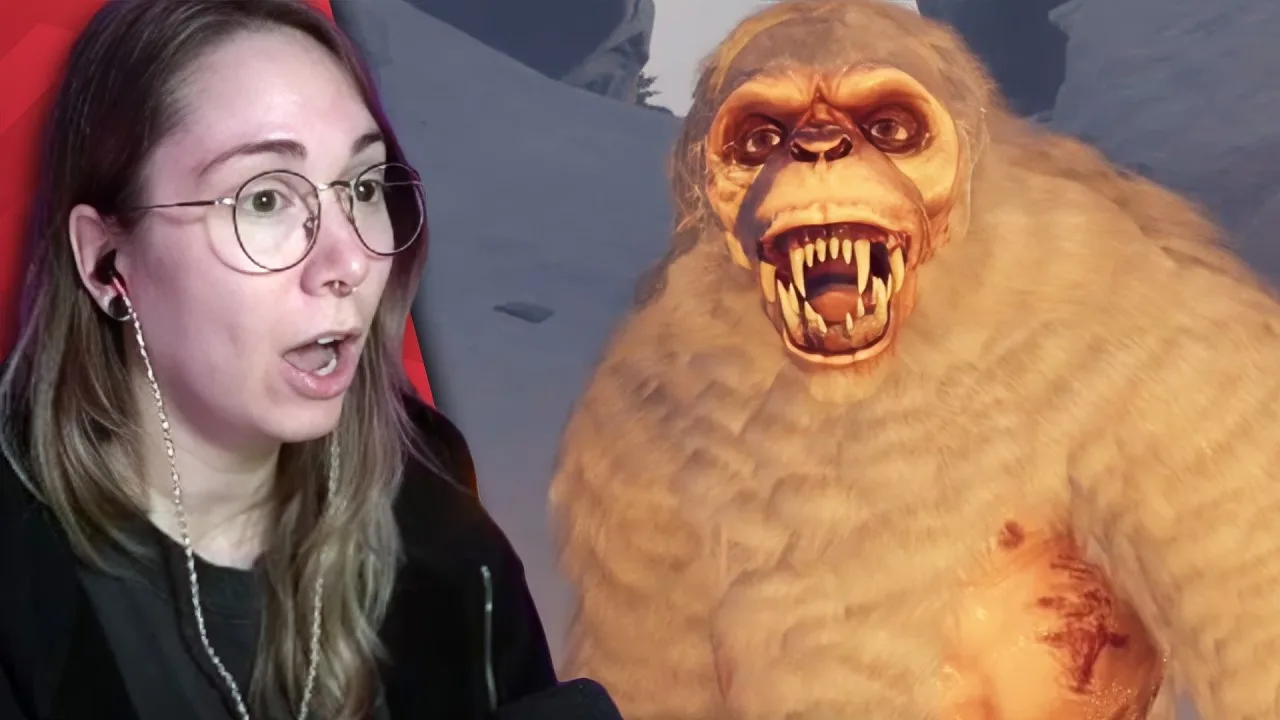
Press Tab to access your tacklebox and choose bait. Use the mouse wheel to move between carried items in your hotbar. Opening the tacklebox and switching to your fishing rod serve different purposes.
| Task | What to do | What it accomplishes |
|---|---|---|
| Collect loose bait | Approach it and press E | Adds bait such as worms or frogs |
| Equip bait | Open Tab and select the bait | Prepares bait for fishing |
| Share bait | Drop bait through the tacklebox interface | Lets another player collect it |
| Select a carried fish | Scroll to its hotbar slot | Prepares it for dropping or depositing |
| Move a lantern | Pick it up, select it, and drop it with Q | Repositions your light |
| Check fishing depth | Carry a depth finder and cast | Displays depth information for your fishing spot |
The 1.0 update redesigned the tacklebox interface, so its appearance differs from older versions. Follow its on-screen equip and drop prompts when managing bait.
You can also cast without bait. Those catches generally tend to be smaller and less valuable, so collect bait before committing to a longer fishing session.
Keep Your Selected Item in Mind
Check your hotbar before pressing an action button. Left click casts when you are using a rod, but it can throw an object when you are holding something else.
After landing a catch, deliberately select the item you want next. This small habit helps prevent throwing a fish away while trying to begin another cast.
Use Q carefully around water, especially when carrying something you intend to sell or sacrifice. Face your destination and position yourself before dropping it.
Let Depth Inform Your Casting
A depth finder works while carried in your inventory; you do not need to hold it instead of your rod. Cast with it in your inventory to see the depth information.
Depth contributes to the fish you catch, alongside bait, weather, day count, and other modifiers. Use the display to compare fishing spots rather than assuming the farthest cast always reaches the deepest water.
Start in safer, shallower areas while learning the fishing minigame. Explore deeper spots once you can reliably handle your catches.
Depositing Fish, Shopping, and Managing the Day
The next part of learning GONE Fishing controls is delivering catches to the correct destination. The altar advances your quota. The traveling merchant’s basket converts fish into gold.
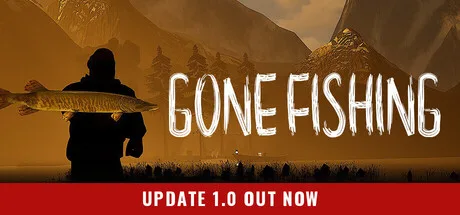 Image: Steam / GONE Studios
Select a fish, approach the intended container, and drop it inside. Check the result afterward: the altar’s progress should increase, or a sale should add gold.
The altar’s flame turns blue when the daily quota has been satisfied. Check that signal before ending the day.
Separate Quota Fish From Sale Fish
Deliver fish to the altar when you need quota progress. Drop fish into the merchant’s basket when you want spending money.
Hold E while facing the merchant to open the shop. At Jeb’s Shack, ring the bell to bring Jeb over, then hold E to talk to him.
Gold is shared between players, so coordinate purchases with your group. Tell teammates before spending the shared balance, particularly when everyone is bringing catches back at once.
Cooking increases a fish’s value for both selling and sacrificing. Place fish on the stove or grill, then look for the cooked appearance before collecting them. The brown or orange outline and golden-brown inventory appearance help distinguish cooked catches.
Use the Pause Menu Deliberately
Pressing Esc opens the menu. Select Pause Game to stop the clock; opening the menu and choosing the pause action are separate steps.
The pause feature also pauses multiplayer sessions for everyone. Tell your teammates before freezing the session so they understand why the game has stopped.
If your character becomes stuck, the menu includes Unstuck Player. Use it to recover from being trapped.
Before sleeping, check:
- Whether the altar flame has turned blue.
- Whether fish intended for sale are still waiting.
- Whether your group has finished its remaining tasks.
Difficulty matters. Jeremy Wade enables hardcore behavior, where a game over deletes the save. Practice the fishing and delivery routine before committing a run to that setting.
Controller Options and Fishing Changes in Version 1.0
GONE Fishing supports controllers for gameplay and menus. Open the options menu and choose the on-screen glyphs matching your controller so the displayed button prompts are easier to follow.
| Setting or action | Where or how to access it | Function |
|---|---|---|
| Controller glyphs | Gameplay section of Options | Changes the displayed controller input hints |
| Controller look sensitivity | Options | Adjusts controller camera sensitivity |
| Toggle sprint | Gameplay settings | Enables the toggle sprint option |
| Skip the introductory plane cutscene on keyboard | Host holds Space for one second after roughly ten seconds | Skips the introduction |
| Skip the introductory plane cutscene on PS5 controller | Host holds X for one second after roughly ten seconds | Skips the introduction |
Use the displayed prompts for casting, striking, and reeling when playing on a controller. The same fishing stages still apply.
Why Some Fishing Stages Complete Automatically
Version 1.0 introduced eight trinkets through Clinket. Several interact directly with the fishing sequence:
- Hungry hook: Has a chance to trigger a bite immediately after casting.
- Captain's Stopwatch: Has a chance to complete the first strike minigame perfectly.
- Deadman's Hand: Has a chance to reel in a fish instantly.
- Iron worm: Has a chance to preserve bait after a catch.
When Hungry hook, Captain's Stopwatch, and Deadman's Hand activate together, a fish can arrive in your inventory as the bobber hits the water. Those effects explain why the usual manual sequence sometimes finishes immediately.
Trinket purchases and upgrades are shared with your friends. Version 1.0 also reworked progression around trinkets, replacing the older emphasis on line, rod, and sinker upgrades.
Learn the manual GONE Fishing controls before relying on those effects. Their activation is chance-based, so keep watching for the strike prompt and fishing meter on every cast.
FAQ
What are the main GONE Fishing controls on PC?
Use WASD to move, Shift to sprint, E to interact, Tab to open the tacklebox, and the mouse wheel to switch hotbar slots. Left click handles casting, setting the hook, and reeling. Q drops the selected carried item.
Why do I lose fish while holding left click?
Holding the button continuously can push the fishing meter too high. Release it when the meter rises toward the top, then hold again when it starts dropping. Watch the meter after setting the hook before applying steady input.
Does GONE Fishing have controller support?
Yes. Controller support includes gameplay and menu interactions. Options let you change controller glyphs and adjust look sensitivity. Gameplay settings also include toggle sprint.
How do I know my fish counted toward the quota?
Drop the fish into the altar and check its progress. The flame turns blue when the quota is satisfied. Fish placed in the traveling merchant’s basket earn gold instead.
Continue with
 GONE Fishing Extremely High CPU Use: Causes and FixesGONE Fishing extremely high cpu use can disrupt co-op sessions. Learn about CPU fixes, DX11, host load, and map issues to troubleshoot your next session.
More in Controls & PC Help
See all Controls & PC HelpUseful pages
GONE Fishing Bait Tier List: Heart to Worm Rankings
Use this GONE Fishing bait tier list to compare Heart, chopped bait, and early catches. Learn bait scores, trap changes, and how to spend rare bait wisely.
GONE Fishing Achievements: Unlock Guide for Version 1.0
Track GONE Fishing achievements with survival milestones, fish weight goals, hidden secrets, and 1.0 boss rewards. Plan your route toward full completion.
GONE Fishing Arctic Map: Orca, Yeti & Survival Guide
Explore the GONE Fishing arctic map with tips for finding deep water, catching the Orca, handling the Yeti, gathering bait, and using portals to save time.

GONE Fishing Crab Jumpscare: Tiny Crab Survival Guide
Learn how the GONE Fishing crab jumpscare works, identify Tiny Crab and larger threats, adjust loud audio, and prepare for dangerous shoreline encounters.
Join the community
Official channels for news, updates and player help: