GONE Fishing Crab Jumpscare: Tiny Crab Survival Guide
Learn how the GONE Fishing crab jumpscare works, identify Tiny Crab and larger threats, adjust loud audio, and prepare for dangerous shoreline encounters.
Jump to
What Is the GONE Fishing Crab Jumpscare?
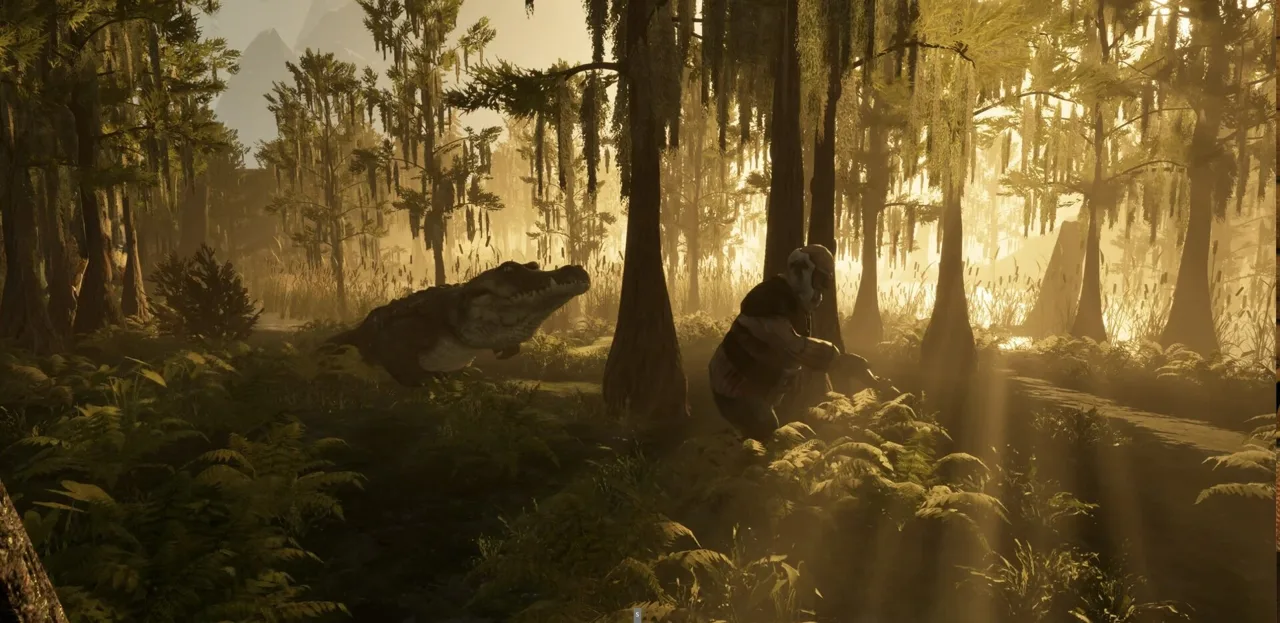
Something sneaking up behind you can interrupt an otherwise peaceful fishing session. The GONE Fishing crab jumpscare matters because Tiny Crab’s surprise appearance and the larger crabs’ dangerous encounters call for different responses. Understanding the GONE Fishing crab jumpscare starts with recognizing which creature you’re dealing with.
Tiny Crab was introduced as a creature that sneaks up behind players before making its presence known. Larger crab encounters involve more serious behavior, including chasing, grabbing, and kidnapping players. Keep those encounters separate when planning your next move.
| Crab encounter | Recognizable behavior | Detail to remember |
|---|---|---|
| Tiny Crab | Sneaks up behind players before greeting them | Its jumpscare audio received a volume adjustment |
| Large crab encounters | Chasing and grabbing players | Crab pathfinding was improved around complex areas, including docks |
| Mutated Crab | Kidnapping players | A bug affecting its kidnapping sounds was fixed |
| Mother crab | Targeting behavior involving the cabin | A fix addressed targeting players inside with the door closed |
These names appear across different crab encounters and updates. Avoid assuming that every crab shares the same behavior simply because it looks related.
For practical purposes, separate the surprise from the pursuit. A creature appearing behind you demands attention; a creature actively chasing or grabbing you demands an immediate response. Check what is happening before reaching for a weapon or abandoning your fishing spot.
The game also includes a Face Jumper and a catchable jumping fish that can jump onto your face. Keep those encounters separate from Tiny Crab, too. A sudden close-up scare alone doesn’t identify the creature responsible.
Official page: GONE Fishing (gonefishing.gg)
Tiny Crab: Behavior, Spawn Fixes, and Audio
Tiny Crab’s defining behavior is its approach from behind. That makes awareness useful while you’re focused on casting, watching your line, or sorting through your fishing routine.
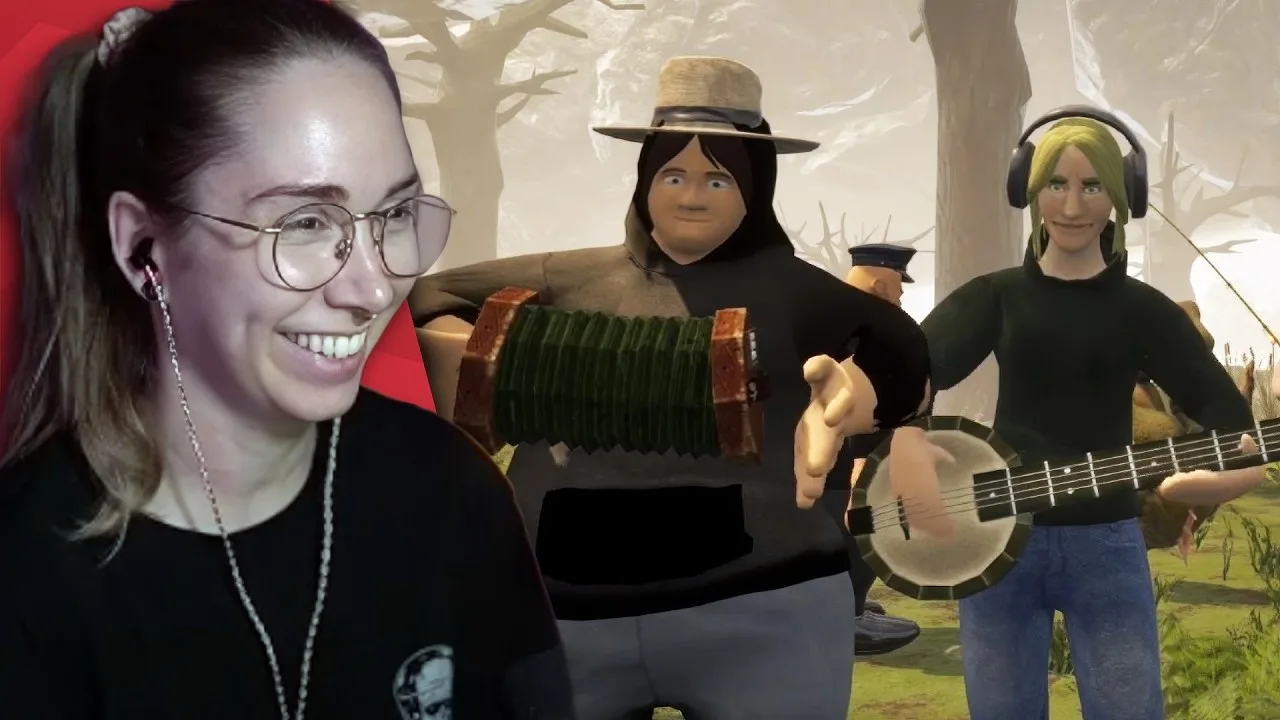
Check behind your character between tasks. Make those checks part of moments when you’re already changing activities, such as finishing a catch or preparing to move. This is a precaution based on its sneaking behavior, rather than a special detection mechanic.
Tiny Crab also received a spawn-related fix after its introduction. A bug had caused the creature to appear rarely. Its scarcity before that fix should therefore stay separate from expectations for later versions.
Turn Down the Surprise Without Losing Track of the Game
The little jumpscare crab previously lacked an assigned volume slider. A later update corrected that audio routing and reduced its default volume by 50%.
That adjustment is especially relevant if you remember the encounter being painfully loud. The game’s 1.0 release also reduced the maximum volume of several creatures, although that broader change doesn’t give a separate crab-specific percentage.
| Audio change | What changed | Practical adjustment |
|---|---|---|
| Tiny Crab volume routing | Its sound was assigned to a volume slider | Revisit the game’s audio controls |
| Tiny Crab default volume | Reduced by 50% | Set your volume around the updated sound level |
| Several creatures in 1.0 | Maximum volume reduced | Review your overall audio balance after updating |
Lower your volume before settling into a long session, especially when using headphones. Keep enough game audio audible to follow what’s happening around you.
The GONE Fishing crab jumpscare doesn’t need overwhelming volume to catch you off guard. Give yourself a comfortable audio setup, then keep watching your surroundings instead of relying entirely on sound.
Larger Crabs: Shoreline Pursuits and Cabin Precautions
The larger crab is an aggressive shoreline predator associated with the Mountain Lake, Swamp, and Jungle maps. Its chasing and grabbing behavior makes shoreline awareness relevant even when your attention is on the water.
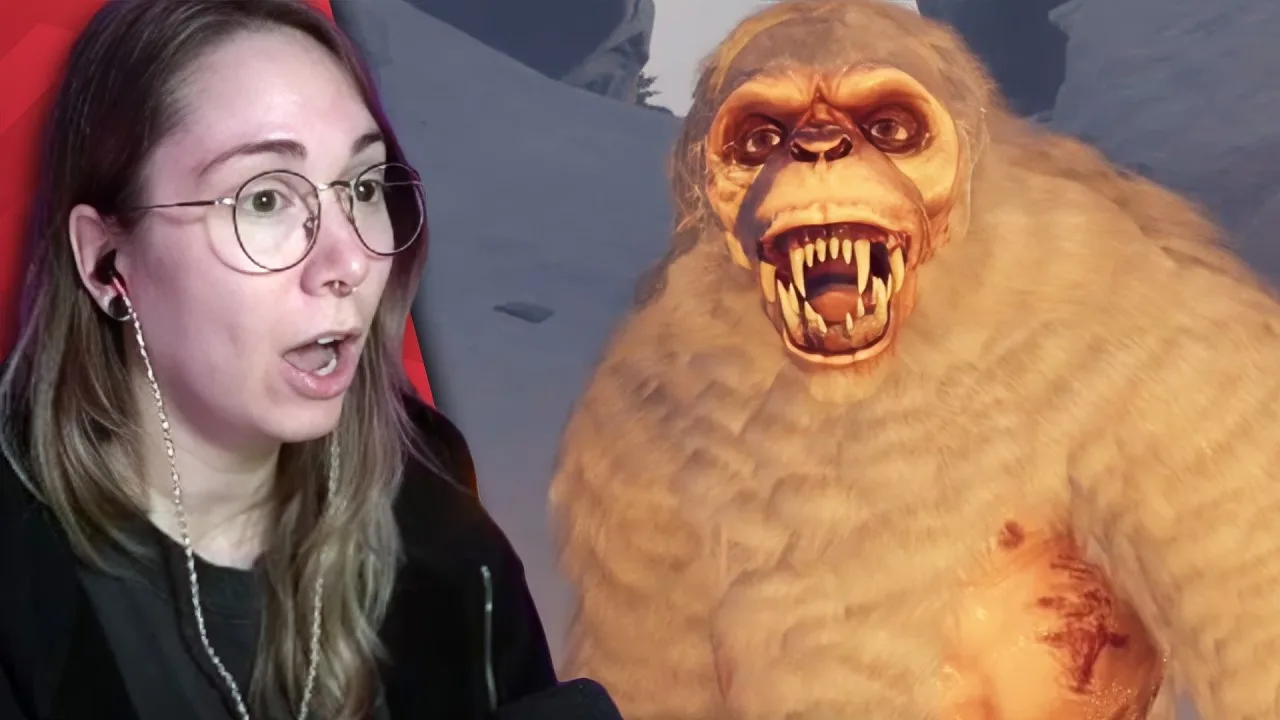
Docks deserve particular attention. An earlier performance update improved crab pathfinding so it could chase and grab players in more complicated spaces, including docks. Standing on a constructed surface doesn’t automatically remove you from its reach.
That same update increased its player-seeking time to 15 seconds. Those figures describe that earlier balance change; avoid building your entire escape plan around counting out a pursuit.
Keep Your Return Route in View
Before fishing near the shoreline:
- Look over the route back toward the cabin.
- Check the dock and nearby shoreline between catches.
- Tell teammates when a crab starts pursuing someone.
- Move away from an approaching crab instead of continuing inventory management.
These precautions follow directly from the creature’s ability to pursue and grab players. They don’t depend on a particular bait, upgrade, or fishing result.
Cabin behavior has also received several fixes. One addressed the mother crab targeting players who were inside the cabin with the door closed. Others corrected a grabber crab getting trapped inside after the door closed and a crab getting stuck on the cabin door.
Close the cabin door when taking shelter, and avoid trying to recreate old doorway problems. Those collision issues were bugs, rather than dependable defensive tools.
| Location or situation | Relevant crab behavior or change | Player action |
|---|---|---|
| Shoreline | Larger crabs are aggressive predators | Check nearby ground while fishing |
| Dock | Improved pathfinding supports chasing and grabbing there | Keep your route away from the dock clear |
| Closed cabin | Mother crab targeting through this situation received a fix | Close the door when sheltering |
| Cabin doorway | Crab sticking problems received fixes | Avoid relying on the doorway to trap a crab |
For the GONE Fishing crab jumpscare, recognizing a small surprise creature is useful. For a larger crab encounter, recognizing pursuit early gives you a clearer moment to react.
Fighting Back: Muskets, TNT, and Crab Bait
You can fight crab creatures with the game’s weapons. The musket and TNT can kill creatures other than the protected cat and dog, and Large Crab and Mutated Crab ragdolls are usable bait.
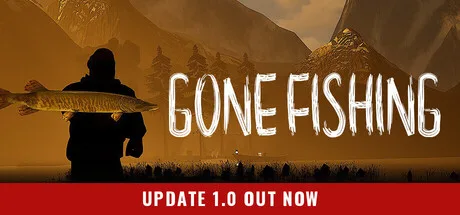 Image: Steam / GONE Studios
That gives a successful fight a practical fishing payoff. A dangerous creature can become another resource for your tacklebox.
The musket comes with a major limitation: it fires once before becoming destroyed and unusable. Most creatures die from one shot. In 1.0, you can acquire it through a Skeeter drop or as map loot.
| Item or resource | Supported function | Limitation or requirement |
|---|---|---|
| Musket | Kills most creatures with one shot | Destroyed after firing once |
| TNT | Can kill creatures other than the cat and dog | Can also kill players |
| Large Crab ragdoll | Usable as bait | Requires a dead Large Crab |
| Mutated Crab ragdoll | Usable as bait | Requires a dead Mutated Crab |
Line up your shot before firing. A disposable weapon leaves little room for an unnecessary discharge, especially when a crab is already moving toward you.
Keep teammates out of your line of fire. The musket can kill friends as well as creatures. In a crowded co-op encounter, communicate before shooting rather than letting everyone converge on the same target.
TNT requires similar care because it can kill players. Move teammates away from the intended blast area before using it against a creature. Avoid turning a crab problem into a friendly-fire problem.
After killing a Large Crab or Mutated Crab, use its ragdoll as bait when continuing your fishing routine. Keep the distinction clear between those named bait resources and Tiny Crab’s surprise encounter.
The GONE Fishing crab jumpscare is also a reason to resist firing on reflex. Identify the creature, check your surroundings, and decide whether you’re dealing with a pursuit that calls for combat.
Crab Encounters in 1.0: Avoid Outdated Habits
Several crab changes arrived before GONE Fishing 1.0. Knowing those changes helps you avoid repeating habits built around older bugs or mechanics.
The crab that emerges from the water to kill players received a specific restriction: it can no longer spawn on the first cast. That restriction applies to that encounter. Keep checking your surroundings after casting rather than treating it as protection from every creature.
Other fixes addressed a crab dragging players beneath part of the Lake map and the Mutated Crab remaining silent during kidnappings. Those were technical problems corrected during development.
For the GONE Fishing crab jumpscare, the changes with the clearest practical value are straightforward: Tiny Crab’s rare-spawn bug was fixed, its audio routing was corrected, and its default volume was reduced.
Keep Crab Traps Separate From Crab Monsters
The Crab Trap belongs to the bait-trap system. In 1.0, bait traps collect bait overnight and become harvestable at the beginning of each morning.
Ready bait or fish generally receives a green outline. The Minnow Trap is the exception: the whole trap continues to glow when ready.
Collect your Crab Trap’s bait during your morning routine, then decide whether to use it for active fishing or to bait a Fish Trap. Fish Traps also collect their catch overnight, and the bait’s value influences the type of fish collected.
Jeb sells a Fish Trap upgrade that allows the trap to collect up to three fish per bait. This provides another fishing task to organize alongside checking equipment and watching for shoreline threats.
Keep your routine simple:
- Check traps when the morning begins.
- Collect ready bait and fish.
- Prepare bait for the fishing you plan to do.
- Check the shoreline before focusing on a cast.
- Communicate immediately if a larger crab begins chasing someone.
The GONE Fishing crab jumpscare becomes easier to put in context once you separate Tiny Crab, aggressive crab creatures, and the Crab Trap’s resource role.
FAQ
What causes the GONE Fishing crab jumpscare?
Tiny Crab sneaks up behind players before making its presence known. Larger crab encounters involve different behavior, including chasing, grabbing, and kidnapping. Identify the creature and its actions before deciding how to respond.
Can you turn down Tiny Crab’s jumpscare sound?
Yes. An update assigned the little jumpscare crab’s sound to a volume slider and reduced its default volume by 50%. Revisit the audio controls and choose a comfortable volume before playing with headphones.
Can you kill the larger crabs?
Yes. The musket and TNT can kill creatures other than the protected cat and dog. Large Crab and Mutated Crab ragdolls can be used as bait. Remember that the musket becomes unusable after one shot and can also kill teammates.
Can the water crab appear on your first cast?
The crab that comes out of the water to kill players can no longer spawn on the first cast. This restriction concerns that particular encounter; keep watching for other creatures while fishing.
Continue with
 GONE Fishing Entities: Monster Behaviors and SurvivalLearn how GONE Fishing entities behave, handle dangerous encounters, manage Yeti tribute, and prepare for the Lake Entity's boss fight in version 1.0.
More in Fish & Creatures
GONE Fishing Fish Guide: Species, Bait, and Rare Catches
Explore GONE Fishing fish locations, rare species, bait, trinkets, and traps. Learn how to land bigger catches and protect their value in the 1.0 release.
GONE Fishing Legendary Fish: Locations and Catch Tips
Hunt GONE Fishing legendary fish with map locations, trinket effects, bait tips, and 1.0 rewards. Learn how to prepare for Nessie and the mythical Rhizo.
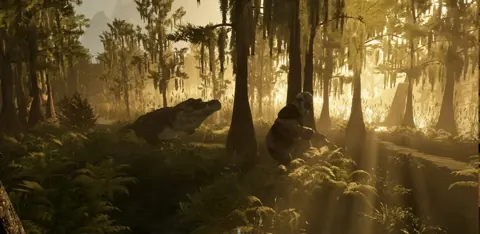
GONE Fishing Nessie Guide: Bait, Gear, and Hat Unlock
Plan your GONE Fishing Nessie hunt with bait and gear tips, 1.0 trinket effects, Lake sighting details, and the rewards for landing the elusive catch.
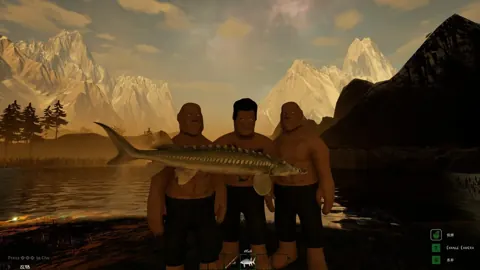
GONE Fishing Spider Guide: Bait, Swarms, and Settings
Learn how to handle the GONE Fishing spider, use spiders as bait, manage cabin infestations, and enable arachnophobia mode for Lake and Jungle encounters.
Join the community
Official channels for news, updates and player help: