
GONE Fishing Extremely High CPU Use: Causes and Fixes
GONE Fishing extremely high cpu use can disrupt co-op sessions. Learn about CPU fixes, DX11, host load, and map issues to troubleshoot your next session.
Jump to
Why Does GONE Fishing Use So Much CPU?
GONE Fishing extremely high cpu use can turn a fishing trip into stuttering, loud fans, and a frozen lobby. Earlier builds had networking bugs, demanding host-side fishing calculations, and map-specific performance problems that pushed even powerful processors hard. To troubleshoot GONE Fishing extremely high cpu use, start with the current game version, compare solo and multiplayer behavior, and check whether the slowdown follows a particular map or DX12 session.
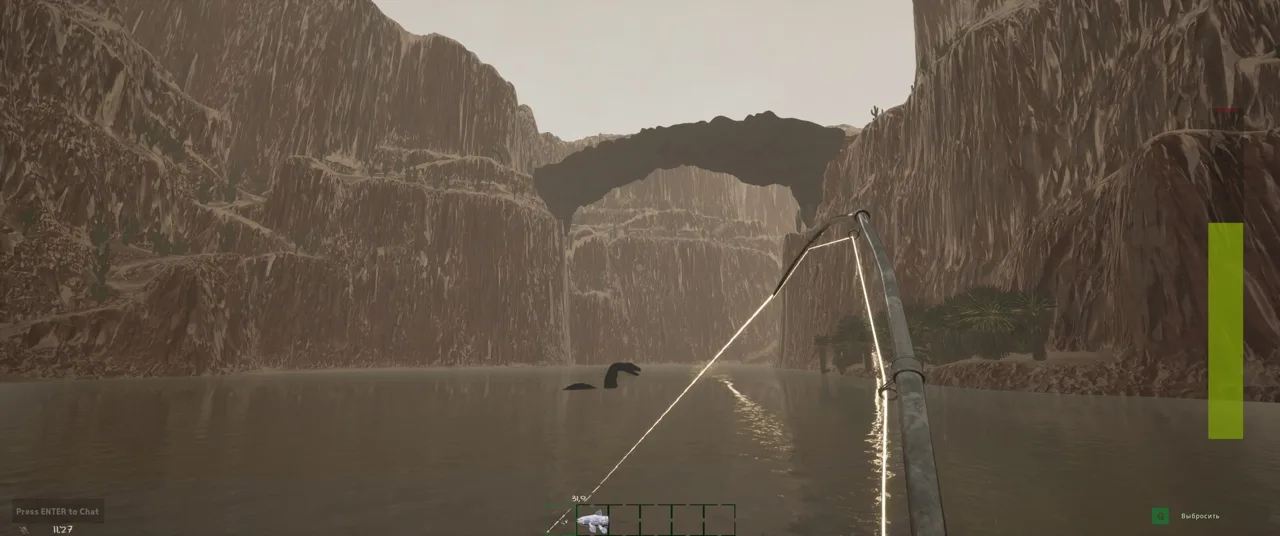
The important distinction is which workload triggers the spike. In January’s Canyon case, lowering graphics settings from Ultra to Low left the CPU problem unchanged. A strong graphics card could still have spare capacity while the CPU struggled.
What the Earlier Problems Looked Like
January’s affected builds produced several distinct patterns:
| Symptom | Hardware or situation | Troubleshooting clue |
|---|---|---|
| CPU usage around 80–90%, sometimes rising after death | Ryzen 7 7800X3D, RTX 4090, 64 GB RAM | Record whether death or respawning triggers the change |
| CPU reaching 100% while GPU usage stayed around 50% | Ryzen 9 7950X3D, RTX 4090, Canyon map | Compare locations and maps |
| Performance falling from around 80 FPS to 40–50 FPS, followed by freezes | Ryzen 7 5700X, RX 6700 XT, hosting a duo on Canyon | Compare a fresh session with a longer session |
| Little improvement from Ultra to Low or different FPS caps | Canyon in solo play | Check more than graphics settings |
These examples explain why buying stronger hardware is an expensive starting point. High-end systems experienced the January issues, too.
A networking typo was identified during the initial January spike, and CPU behavior improved afterward for the original affected player. Later Canyon problems involved additional investigation. Keep those incidents separate: similar CPU percentages can accompany different problems.
Official page: GONE Fishing (gonefishing.gg)
What the CPU and Stability Updates Changed
GONE Fishing extremely high cpu use has been addressed through several rounds of optimization. The changes cover fishing calculations, bait AI, networking, fish processing, and specific maps.
 Image: Steam / GONE Studios
The early fishing system placed the entire fishing workload on the host’s computer. That created additional CPU demand for the host and added latency to multiplayer fishing. Work on replacing that system was underway in January.
Other fixes targeted individual sources of overhead rather than replacing the whole fishing system.
| Update | Relevant changes | What to keep in mind |
|---|---|---|
| The Performance Patch | Reduced host CPU and networking overhead; added bait AI draw-distance and tick profiles; fixed infinitely spawning bait | Host load and excessive bait were separate performance targets |
| CPU Optimizations + Mythic Fish Catch Rate BOOSTED | Added CPU optimizations and identified multiplayer fishing as a major spike contributor | Multiplayer fishing was a specific focus |
| Arctic Map WIP + Optimizations + Achievements + Fixes | Claimed roughly 20% lower CPU overhead; fixed Jungle CPU spikes; optimized fish CPU usage | The percentage describes that update’s improvement |
| Complete GONE Fishing Guide + Rot Changes + Optimizations | Added bait optimizations to reduce CPU and network overhead | Bait processing remained part of optimization work |
| GONE Fishing 1.0 | Included further bug fixes, replication fixes, networking optimizations, and crash fixes | Use the release version as your troubleshooting baseline |
The roughly 20% CPU reduction belongs to a particular patch. It does not mean every computer should show exactly 20% less utilization in every location.
Also separate CPU improvements from GPU and memory improvements. Another update reduced VRAM use by around 30–40% and RAM use by around 15–20%. A later GPU optimization pass estimated a 15–20% reduction in GPU utilization. Those changes address different resources.
Start With Your Current Build
Update the game before comparing your experience with older behavior. The 1.0 release made stability a central priority, alongside its ending and progression changes.
You can keep existing progress: 1.0 supports existing saves and makes its new content accessible through them. Starting over was recommended for the redesigned progression experience, rather than presented as a CPU repair.
Avoid deleting a save just because performance is poor. A separate comparison session gives you useful information while preserving your established run.
Check DX11, Host Load, and Graphics Settings Separately
For GONE Fishing extremely high cpu use, change one variable at a time. Switching maps, lowering every setting, and changing the host together makes any improvement difficult to interpret.
 Image: Steam / GONE Studios
Begin with the condition closest to your problem, then repeat the same activity after the change.
| Comparison | What to change | What to record |
|---|---|---|
| Solo versus hosting | Compare solo play with hosting friends | CPU usage, frame rate, and when stuttering starts |
| Host versus client | Join another player’s lobby instead of hosting | Whether the problem follows the hosting role |
| DX12 versus DX11 | Compare the graphics APIs when investigating DX12 instability | Freezes, crashes, and frame pacing |
| Ultra versus Low | Change the graphics preset while keeping the scenario similar | Whether CPU usage and FPS respond |
| Different FPS caps | Compare frame-rate limits under similar conditions | Whether CPU demand changes with the cap |
Use the DX11 Workaround in Context
During January’s Canyon troubleshooting, DX12 instability prompted a developer recommendation to use DX11.
Compare DX11 with DX12 if you are investigating similar freezing or instability. Keep the map and activity consistent so the API comparison answers a clear question.
That recommendation concerned instability in those earlier builds. It should not become a promise that changing APIs eliminates every CPU problem.
Compare Hosting With Joining
Hosting deserves its own test because the earlier fishing system concentrated calculations on the host.
If your friends can play smoothly while your hosting session deteriorates, compare the same kind of activity after another player hosts. Record the result rather than assuming the CPU model alone explains it.
Solo play also matters. January’s Canyon problem persisted in a solo session, so leaving multiplayer did not solve that particular case.
Stop Repeating Changes That Do Nothing
If Low settings leave CPU demand and stuttering unchanged, move to the next comparison. The January Canyon case persisted across presets and different frame-rate caps.
GONE Fishing extremely high cpu use becomes easier to investigate when each failed adjustment narrows the problem. Record “Low made no difference,” then test the map, session length, hosting role, or graphics API.
Track the Map, Weather, and Fishing Activity
Location can be more useful than a single utilization number. Earlier Canyon trouble intensified near Jeb’s location and deeper water, while conditions improved closer to the house.
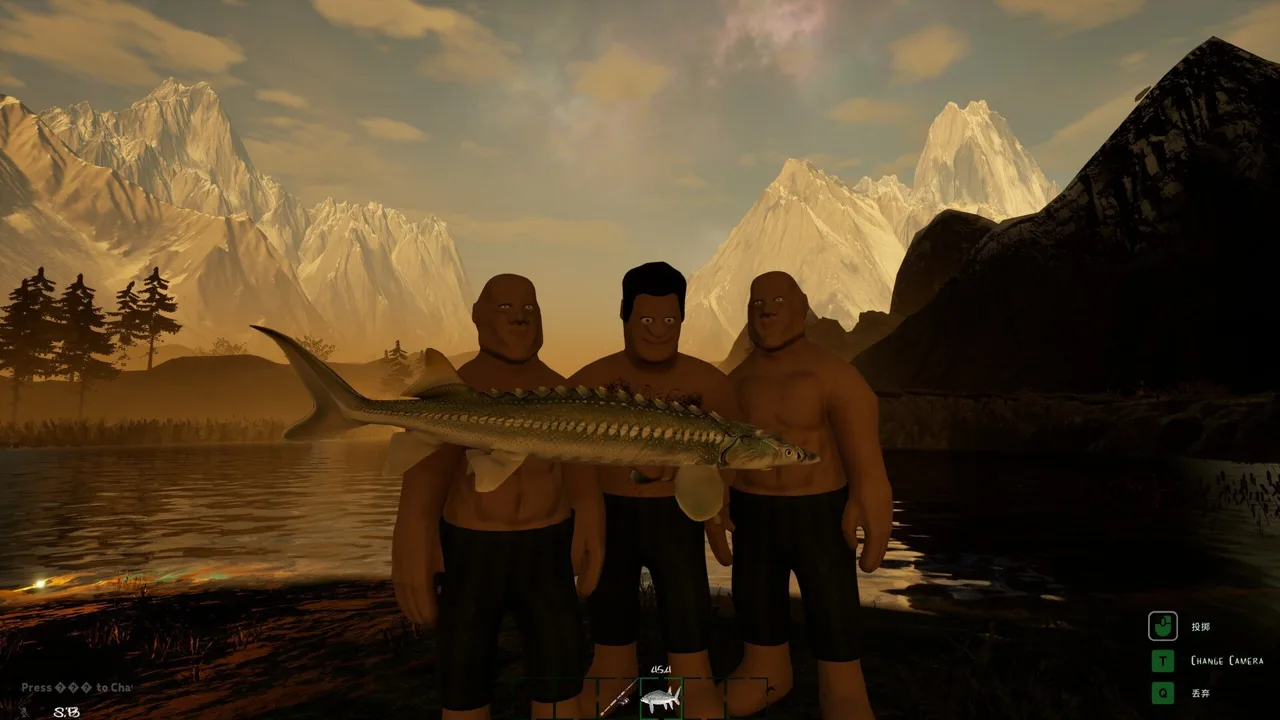 Image: Steam / GONE Studios
The same affected session became less demanding after sleeping and entering the next morning. Moving back toward the canal and larger lake brought the problem back, and thunderstorms or sandstorms intensified it.
Use those patterns to organize a comparison:
- Compare the same location before and during bad weather. Record whether the spike follows the storm.
- Compare the house area with the troublesome fishing area. Keep track of where performance changes.
- Check another map. Separate a Canyon-specific problem from behavior that follows you everywhere.
- Compare the beginning of a session with later play. Record whether frame rate gradually deteriorates.
- Record fishing activity and nearby bait or fish. These systems received dedicated CPU optimizations.
These checks turn “the game runs badly” into a repeatable scenario.
Keep Session Length in the Picture
One earlier Canyon duo session deteriorated over roughly 17 in-game days, with frame rate falling before complete freezes.
If your session starts smoothly, record that starting point. Then note when stuttering begins and what happened immediately beforehand.
A restart can help compare session states, but it does not identify the underlying cause. The useful detail is whether the same activity repeatedly brings the slowdown back.
Watch Bait and Fish Processing
Bait and fish have been explicit optimization targets. Earlier fixes addressed bait spawning without limit, bait AI processing, and CPU demand when many fish were present.
When GONE Fishing extremely high cpu use appears around a busy fishing area, include that context in your comparison. Note whether the trouble starts while fishing, handling catches, or spending time around accumulated bait.
Avoid turning the test into a cleanup project before recording the original conditions. A clear description of the affected area is more useful than an unexplained improvement after many simultaneous changes.
Build a Useful Performance Report Without Risking Your Save
If GONE Fishing extremely high cpu use continues on the current version, collect a concise description that someone else can reproduce.
Start with the trigger. “Canyon slows down near Jeb during a sandstorm while hosting” gives a much clearer starting point than “optimization is bad.”
| Detail | What to include |
|---|---|
| Game version | The build you are currently running |
| Hardware | CPU, GPU, and RAM |
| Session role | Solo, multiplayer host, or multiplayer client |
| Location | Map and the area where performance changes |
| Trigger | Weather, death, fishing activity, or longer play |
| Performance | CPU usage, GPU usage, FPS, and whether freezing occurs |
| Comparisons | What happened after changing the API, preset, host, or map |
Keep measured behavior separate from your explanation. “CPU reaches 100% near the canal” is a concrete symptom. “Runtime virtual textures are broken” assigns a cause.
Runtime virtual textures were considered during the January Canyon investigation, but that discussion remained an investigation. Report the location and behavior you can reproduce.
Preserve the Complete Save Backup
The 1.0 release encrypts saves and automatically creates a backup during migration. For a manual backup of an existing map, preserve all the associated files identified for that save:
Savefile#encSavefile#_mac.savSaveGame#MetaData.sav
Keep the matching files together. Copying only one part leaves out files the game requires for that backup.
Your troubleshooting goal is a reliable comparison: same activity, one changed condition, and a clear result. That gives you a practical next step while protecting the fishing run you want to keep.
FAQ
Is GONE Fishing extremely high cpu use always caused by weak hardware?
No. Earlier affected builds pushed systems with processors such as the Ryzen 7 7800X3D and Ryzen 9 7950X3D to high utilization. Networking bugs, host-side fishing calculations, and map-specific problems contributed to those incidents. Compare your version and the conditions that trigger the slowdown before considering hardware changes.
Does lowering graphics settings fix the problem?
It depends on the workload. The January Canyon issue persisted from Ultra to Low, including tests with different FPS caps. Compare presets once, record the result, and move on to hosting, map, API, and session-length checks if performance stays the same.
Should I use DX11 instead of DX12?
DX11 was the developer’s January workaround for DX12 instability. Compare it when troubleshooting similar freezes or crashes, keeping the rest of the scenario consistent. Judge the result by stability and frame pacing as well as average FPS.
Did GONE Fishing 1.0 include performance fixes?
Yes. Version 1.0 included networking optimizations, replication fixes, crash fixes, and other stability improvements. Earlier updates also targeted CPU overhead, bait AI, fish processing, and individual maps. Begin troubleshooting on the current version so you can focus on behavior that still affects your game.
Continue with
 GONE Fishing Cant Use Mouse To Look Around? Fix GuideCheck camera-lock triggers, menu controls, and fixes from recent GONE Fishing updates to get your frozen view moving again and regain mouse control.
More in Controls & PC Help
See all Controls & PC HelpUseful pages
GONE Fishing Bait Tier List: Heart to Worm Rankings
Use this GONE Fishing bait tier list to compare Heart, chopped bait, and early catches. Learn bait scores, trap changes, and how to spend rare bait wisely.
GONE Fishing Achievements: Unlock Guide for Version 1.0
Track GONE Fishing achievements with survival milestones, fish weight goals, hidden secrets, and 1.0 boss rewards. Plan your route toward full completion.
GONE Fishing Arctic Map: Orca, Yeti & Survival Guide
Explore the GONE Fishing arctic map with tips for finding deep water, catching the Orca, handling the Yeti, gathering bait, and using portals to save time.
GONE Fishing Crab Jumpscare: Tiny Crab Survival Guide
Learn how the GONE Fishing crab jumpscare works, identify Tiny Crab and larger threats, adjust loud audio, and prepare for dangerous shoreline encounters.
Join the community
Official channels for news, updates and player help: