GONE Fishing Discord: How to Join and Get Game Help
Join the GONE Fishing discord to get gameplay help, report bugs, discuss updates, and connect with other anglers. Learn where to join and what to ask next.
Jump to
How to Join the GONE Fishing Discord
A missed quota gets ugly fast, and the GONE Fishing discord gives you a place to ask for help before another run falls apart. It connects you with developers and fellow anglers for gameplay questions, bug reports, and content discussions. To join the GONE Fishing discord, open the game’s main menu and use its Discord option.
That in-game route is especially useful if an older invitation stops working. The community’s custom invitation has previously become unavailable after the server dropped below the boost level needed to maintain it. An invalid invitation therefore doesn’t automatically mean the community has disappeared.
| Joining route | What to do |
|---|---|
| In-game main menu | Select the Discord option to open the server invitation. |
| Developer’s custom invitation | Accept it when available; this invitation has experienced interruptions tied to server boost levels. |
| Older invitation that fails | Return to the game’s main menu and try the Discord option there. |
Once you arrive, check the server rules and look through the relevant discussions before posting. Search for your fish, map, or problem, then add the details that make your situation different.
Keep your goal specific. “Help with fishing” leaves plenty of room for guesswork. “I’m trying to catch larger fish on Jungle using minnows” gives other anglers something useful to work with.
If you still need the game, visit the GONE Fishing Steam page. The game supports 1–8 players, so the community can also be a place to connect with people for a cooperative run.
What You Can Do in the Community
The GONE Fishing discord serves as a direct communication hub for the game. Developers use it to discuss problems, gather ideas, and organize testing, while experienced anglers help players understand catches and progression.
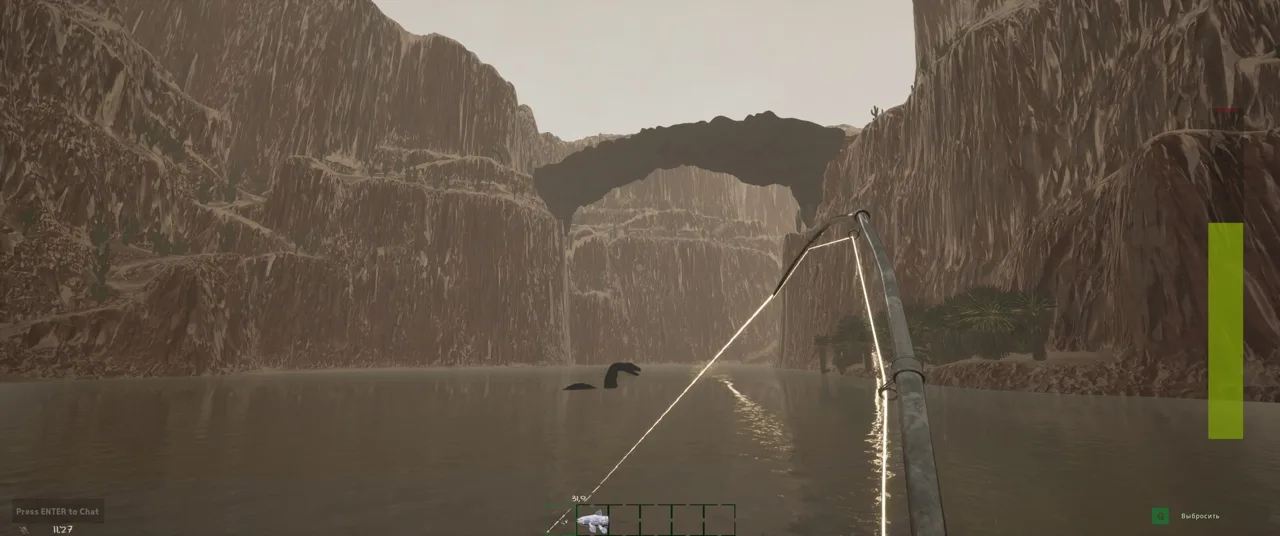 Image: Steam / GONE Studios
You don’t need to be chasing leaderboard positions to participate. Questions about bait, quota management, traps, or fishing locations all have practical value when you’re learning how the systems fit together.
| Community activity | What to bring to the conversation |
|---|---|
| Gameplay help | Your map, difficulty, day count, bait, and target fish |
| Bug Reports channel | A clear description of the problem and how to reproduce it |
| Content ideas thread | The feature you want and the gameplay problem it would address |
| Announcements | An interest in updates, community activities, and posted opportunities |
| Fishing discussions | Catch details, equipment information, and questions about your results |
For feature suggestions, explain the situation before pitching the solution. Describe where a system becomes confusing or frustrating, then explain how your idea would change that experience. That gives the developers more to consider than a request for “more content.”
Testing has also been part of the community’s role. Before version 1.0 launched, Discord participants helped test the ending, boss fight, and Yeti content. Check current announcements for new opportunities rather than assuming an older playtest invitation still applies.
Keep event timing in mind, too. Previous announcements have included giveaways with their own entry rules and response deadlines. Read the details attached to each event before taking part.
Get Better Fishing Advice With Catch Details
The difference between a vague answer and useful fishing advice often comes down to the information in your question. The GONE Fishing discord becomes much more useful when other anglers can compare your setup with an actual catch.
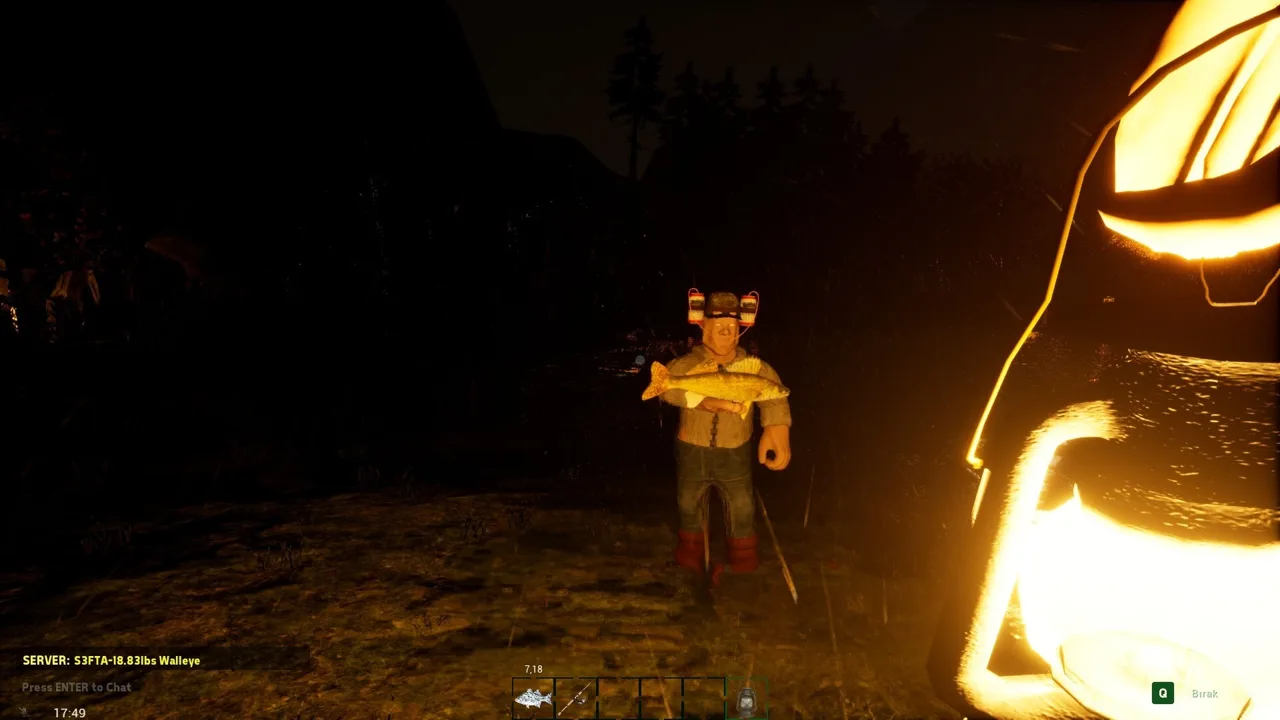 Image: Steam / GONE Studios
Start with the species you want. Then explain where you’re fishing, what bait you’re using, and how far into the run you are. Depth, weather, map, and day count all matter to fishing outcomes, so “same bait” doesn’t necessarily mean the same conditions.
Use the community’s fishing tools
The community website includes interactive maps, species and bait encyclopedias, leaderboards, player profiles, and a Live View for catch information. Use those tools to narrow your question before asking someone to troubleshoot an entire setup.
| Tool | Information it provides |
|---|---|
| Interactive maps | Points of interest, enemies, bait locations, and catch-based depth views |
| Species encyclopedia | Species information, recorded weights, and maps where fish have been caught |
| Bait encyclopedia | Recorded relationships between bait types and catches |
| Leaderboard catch details | Bait score, bait used, depth, and other catch information |
| Player profiles | Species progress and recorded catches |
| Live View | Catch location, equipment details, experience gains, and leaderboard changes |
Search for a particular fish instead of browsing only the largest catches overall. A record for your target species gives you a more relevant comparison than a massive fish from a different map or bait setup.
For example, compare the bait score and depth of a large bluegill catch with your own bluegill results. Ask which conditions differ. That keeps the discussion focused on the fish you actually want to improve.
Read maps with difficulty in mind
The community maps are set up around Peaceful and Average Angler play. Jeremy Wade difficulty has less available bait, and spawn locations rotate.
Use map markers to plan where to investigate, then check the area during your run. If you’re asking about a missing bait pickup, include your difficulty instead of assuming everyone sees the same resources.
The GONE Fishing discord can also help with species completion. Player profiles track up to 10 catches per species for leaderboard scoring. Look for species you haven’t caught and entries with room to improve, then ask about those specific targets.
Keep Your Questions Current for Version 1.0
GONE Fishing reached its full 1.0 release on October 20. That update changed progression, added an ending, expanded traps, and began a new leaderboard season.
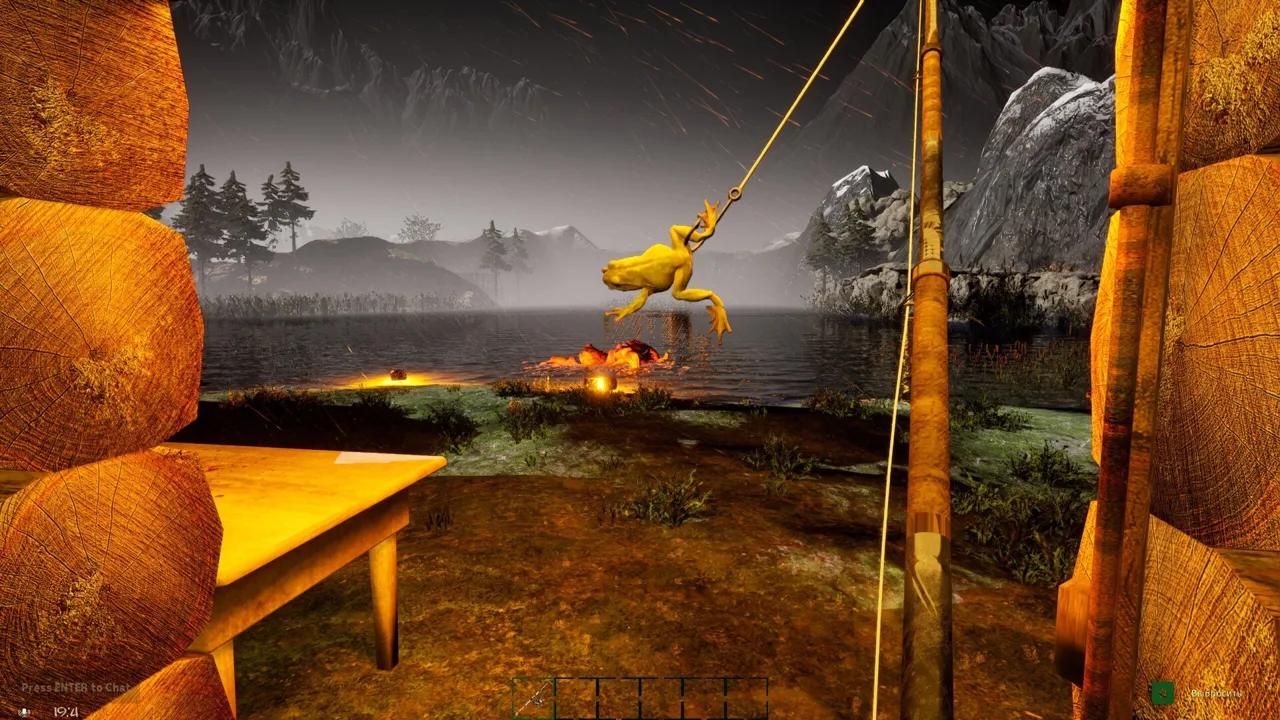 Image: Steam / GONE Studios
Mention version 1.0 when asking about systems that changed. Older instructions about traps or progression can send you toward a different gameplay loop.
| Version 1.0 change | Detail to include when asking for help |
|---|---|
| Eight upgradeable trinkets | Which trinkets your group owns and which effects you’re trying to combine |
| Shared trinket purchases and upgrades | Whether your question concerns the team’s trinkets or another upgrade system |
| Overnight bait traps | Whether the next morning has started |
| Baited Fish Trap | Which bait you placed inside |
| Fish Trap upgrade | Whether you purchased its upgrade from Jeb |
| Leaderboard and profile reset | Whether you mean the new season or legacy history |
Trinkets deserve particular attention because their effects can work together. Hungry hook can trigger an immediate bite, Captain’s Stopwatch can perfectly complete the first strike minigame, and Deadman’s Hand can instantly reel in a fish. When all three activate together, the catch can move straight into your inventory as the bobber hits the water.
Ask about the combination you’re building rather than simply asking which trinket is strongest. Explain whether you want faster catches, bait preservation, or improved odds of legendary and mythic fish.
For traps, separate bait collection from fish collection. Bait traps gather bait overnight. The Fish Trap also operates overnight, but it must be supplied with bait from your tacklebox, and the bait’s value affects the fish it collects. Its upgrade allows up to three fish per bait.
Use the GONE Fishing discord to discuss those interactions with your group. Shared trinkets and revised multiplayer costs make the team’s purchases relevant to everyone’s progression.
Report Bugs Clearly and Find a Fishing Crew
When something breaks, give the developers a repeatable situation to investigate. “The game lags” describes the frustration; identifying the map, host status, location, and triggering action helps narrow down the problem.
The Bug Reports channel exists for that purpose. Keep one report centered on one issue, and distinguish what happened from what you expected.
Include details such as:
- The map and difficulty.
- Whether you were hosting or joining another player.
- What you were doing immediately before the problem.
- Whether repeating that action triggers it again.
- Relevant hardware information for performance problems.
- Screenshots or a short recording that shows the behavior.
For a cabin-related frame rate problem, explain whether it happens when crossing the doorway, opening the door, or picking up and dropping an item. Those are different actions, even if they happen in the same small area.
If the issue stops happening, update your report. Say what changed and whether you can still reproduce it. That preserves the useful history without turning a temporary improvement into a claimed fix.
Make your group request specific
The GONE Fishing discord also gives you a place to meet anglers interested in cooperative play. Tell people what kind of session you want before inviting them into a run.
Include your intended map, difficulty, and goal. A group learning quota management needs a different plan from anglers pursuing particular species or working toward the ending.
Mention spoilers if you want to discover the boss content yourself. Version 1.0 added a proper ending, and detailed progression conversations can quickly move beyond basic survival advice.
Once you’re playing together, coordinate fish use. Fish support both quota fulfillment and purchases, so communicate before spending a haul your teammates were counting on for the altar. Share your target, discuss purchases, and keep everyone working toward the same immediate objective.
FAQ
How do I join the GONE Fishing discord?
Open GONE Fishing and select the Discord option on the main menu. It provides a route to the community without relying on an older invitation copied elsewhere.
Why does a GONE Fishing Discord invitation say it is invalid?
The custom invitation has previously stopped working when the server fell below the boost level required to maintain it. Try the Discord option in the game’s main menu if an older invitation fails.
Can I report bugs and suggest content in the server?
Yes. The server has a Bug Reports channel and a content ideas thread. For bugs, include reproducible steps and relevant gameplay details. For suggestions, explain the problem your proposed feature would solve.
Can I get help with bait scores and rare fish?
Yes. Bring your target species, map, difficulty, bait, depth, and day count. Compare catch details through the community’s fishing tools, then ask about the specific differences between your results and the catches you’re trying to match.
Continue with
 GONE Fishing Mods: What Changes With the 1.0 UpdateExplore GONE Fishing mods, 1.0 anti-cheat rules, encrypted saves, and built-in upgrades. Learn how trinkets and traps can change your co-op fishing run.
More in Community & Co-op
See all Community & Co-opUseful pages
GONE Fishing Bait Tier List: Heart to Worm Rankings
Use this GONE Fishing bait tier list to compare Heart, chopped bait, and early catches. Learn bait scores, trap changes, and how to spend rare bait wisely.
GONE Fishing Achievements: Unlock Guide for Version 1.0
Track GONE Fishing achievements with survival milestones, fish weight goals, hidden secrets, and 1.0 boss rewards. Plan your route toward full completion.
GONE Fishing Arctic Map: Orca, Yeti & Survival Guide
Explore the GONE Fishing arctic map with tips for finding deep water, catching the Orca, handling the Yeti, gathering bait, and using portals to save time.
GONE Fishing Crab Jumpscare: Tiny Crab Survival Guide
Learn how the GONE Fishing crab jumpscare works, identify Tiny Crab and larger threats, adjust loud audio, and prepare for dangerous shoreline encounters.
Join the community
Official channels for news, updates and player help: